

New Year, New Endeavors: RSI Hosting, Recording, and Tech Support
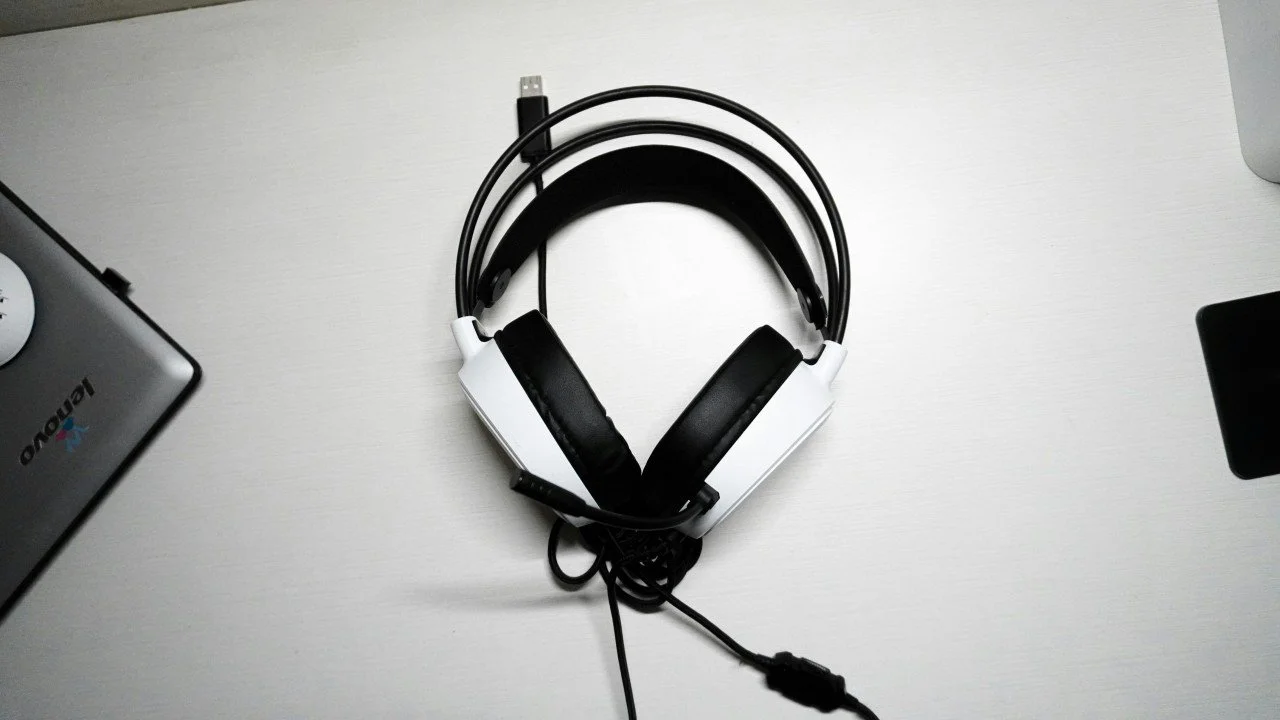
Photo by Bryan Natanael (https://unsplash.com/@bryannatanael) on UnSplash.
Happy New Year!
Before the holidays, we hosted and recorded our first Zoom meeting with professional remote simultaneous interpretation.
We have been providing professional simultaneous interpreters to our clients for their remote conferences for several years, but it was our first time behind the controls, providing the logistics and tech support. In this post, I’d like to share our experience to help provide some insight to others.
Setting up Zoom
We were asked to generate the link, assign the interpreters, and record the conference in both Spanish and English, so we began researching. Scheduling the meeting is pretty straightforward, though you will need a Zoom Pro, Business, Education, or Enterprise account to add the interpreters to the meeting. There are plenty of online tutorials that explain how to schedule the meeting, assign the interpreters, and use the interpretation controls.
Zoom also now enables users to record the interpreted language channels as separate audios to the cloud, but after a test run, it did not seem to function as we hoped, and we were unsure if we would surpass our 10 GB cloud storage capacity recording a four-hour bilingual meeting.
After speaking to another client who had experience producing bilingual recordings with Zoom, we opted for the tried-and-true method: recording locally on two machines.
During the meeting
Working remotely in Puerto Rico, we also had concerns about our electricity and internet connectivity. We looked into several coworking spaces, but the business hours and travel distance would have conflicted with our schedule.
Ultimately, we decided to record from two separate home offices. That way, at least one of us would keep recording if the other got disconnected. Within the first thirty minutes, it started raining where I live, and my internet became unstable. ¡Bienvenidos a Puerto Rico!
The weak internet connectivity combined with the Bluetooth connection of my wireless headphones seemed to be a drag on Zoom, causing it to crash. I quickly reconnected to the meeting and disconnected the Bluetooth. The issue was resolved, and the rest of the meeting went smoothly. Phew.
Managing the recordings
Since there was a slight interruption on one of the channels, we used Microsoft Clipchamp to assemble the video files and eliminate some of the dead air and conversation that we picked up while we were still in our virtual backstage.
The original recordings were around 1 GB each, but the edited exports ended up being about ten times that size. It took my colleague almost four hours to load her recording to our Drive. We joked that, even though we live about an hour away by car, we could have delivered it quicker by hand on a pen drive.
To compress the enormous files, we followed another online tutorial on using a convenient open-source tool called Handbrake, which worked like a charm.
Takeaways
Don’t pass up an opportunity, even if you have some doubts. Everything is a win when the goal is experience.
When you’re working on something new, tap into your support network. Ask a colleague or client for advice, call for backup, and be sure to budget for a helping hand.
Invest in an Ethernet cable and a wired gaming headset for high-stakes remote meetings.
Remember to ask your client if they prefer the gallery or active speaker view and select their preferred view before the meeting starts. The recording will match the appearance of your screen.
Next steps
We will be touring flexible coworking spaces that would let us get an early start. Although our home office setup was effective, we never know when we might face another apagón on the island.
Acknowledgments
Sending a special thanks to all of our professional simultaneous interpreters whose dedication and talent are truly the keys to every successful event we produce.
Shout-out to my colleague Milagros Marrero for always being down to experiment and making time for unexpected activities.
Support our project
If you’ve made it this far, please like this post and follow TRADUCOOP on LinkedIn. We are the first worker cooperative owned and operated by translators in Puerto Rico. We share content about translation, interpretation, and cooperation.
And if you’d like to learn more about our services, contact us to know more.